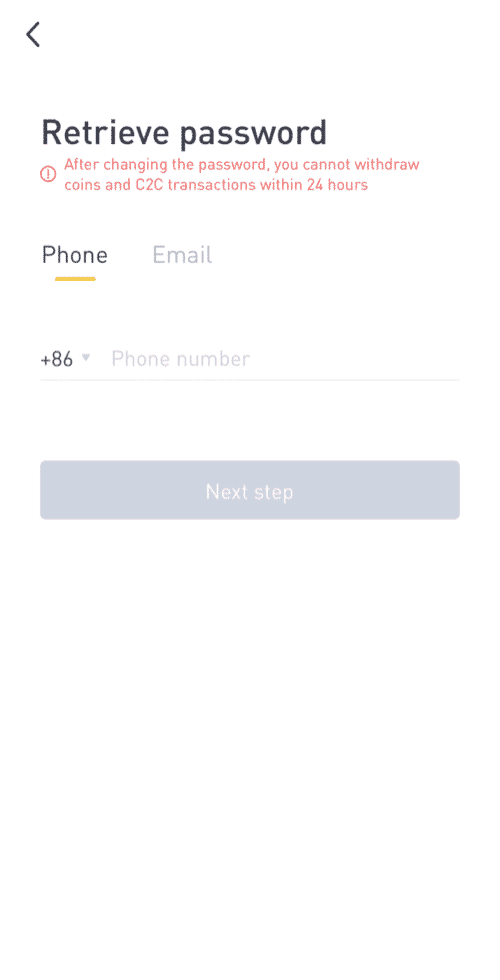
You can reset your account password from the LBank website or App. Please note that for security reasons, withdrawals from your account will be suspended for 24 hours after password reset.
1. Go to lbank.info and click [Login].
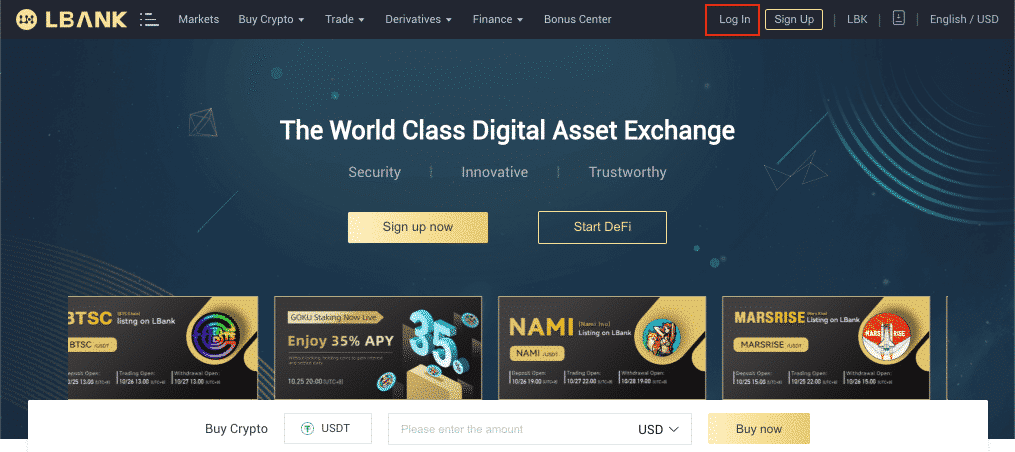
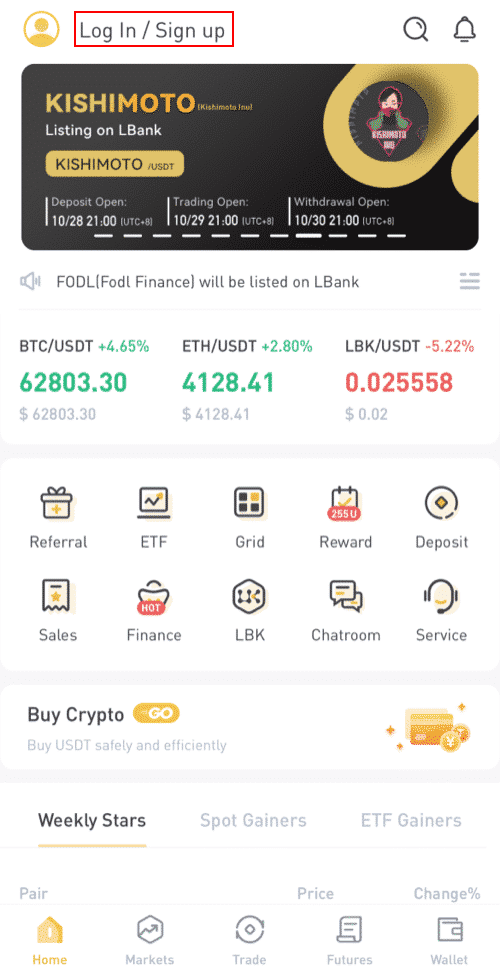
If you are using the App, click[Login/Register].
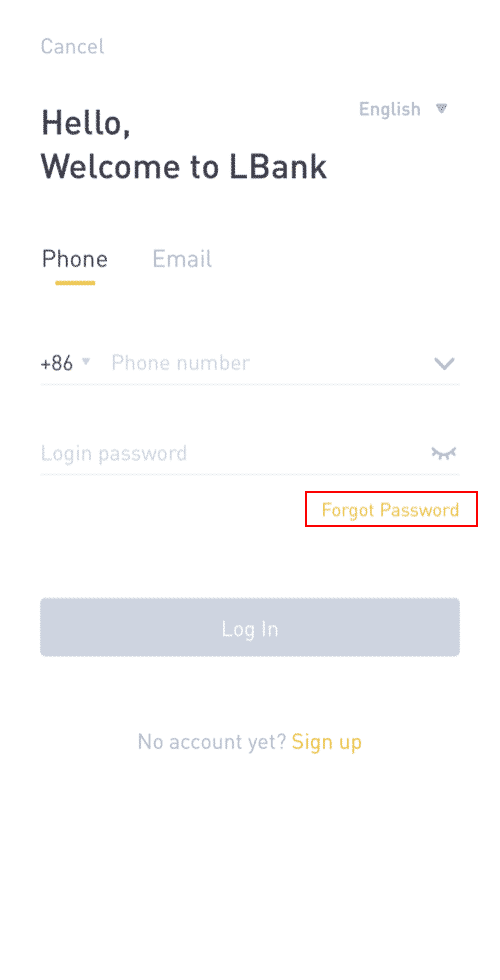
2. On the login page, click [Forgot Password?].
3. Enter your account email or mobile number and click [Next Step].
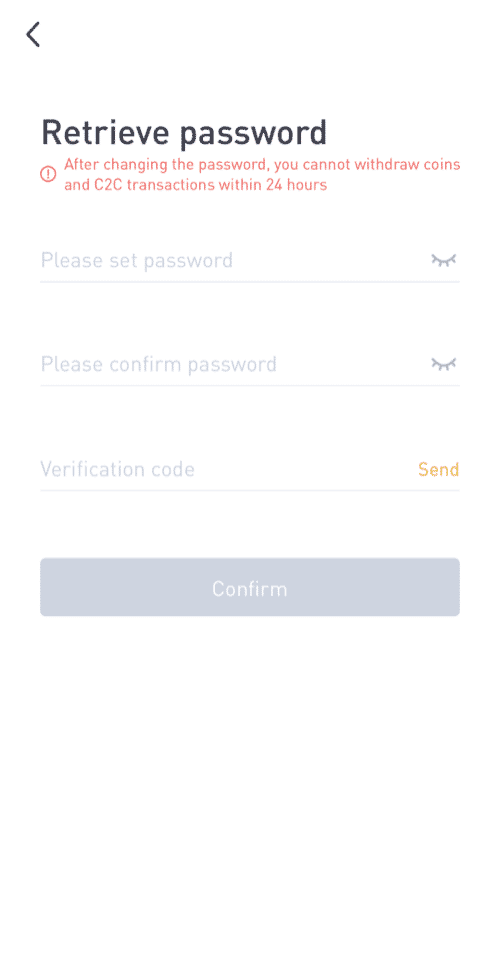
4. Enter a new password and the verification code you received in your email or SMS. Click [Confirm].
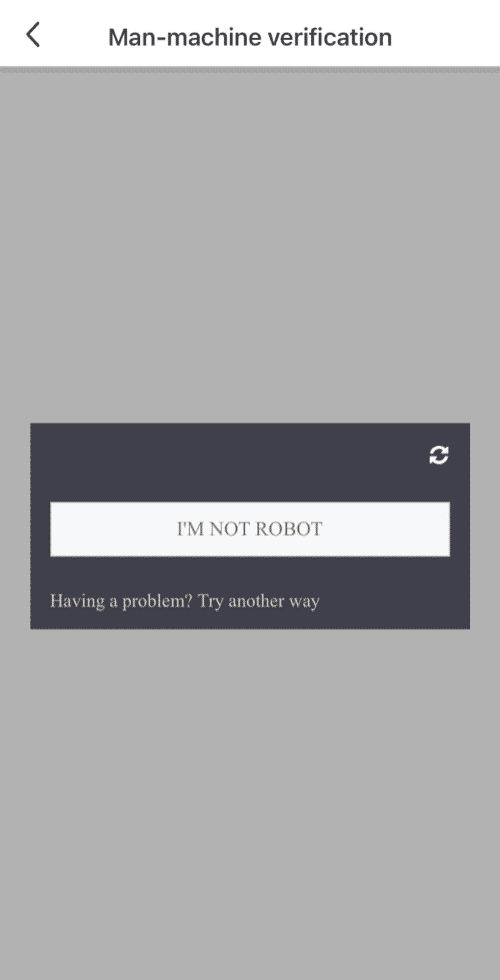
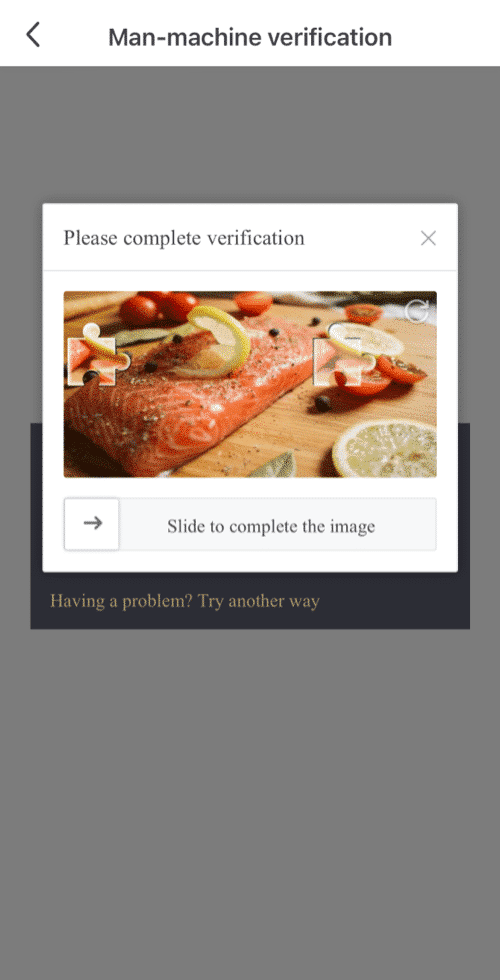
5. Complete the Man-machine verification.
- If your account is registered with an email and you have enabled SMS 2FA, you can reset your password through your mobile number.
- If your account is registered with a mobile number and you have enabled email 2FA, you can reset the login password using your email.
Click here to download for iOS or Android
LBank community
Find us on:
Telegram: https://t.me/LBank_en
Twitter: https://twitter.com/LBank_Exchange
Facebook: https://www.facebook.com/LBank.info
MediBTFA : https://mediBTFA .com/LBank
LinkedIn: https://www.linkedin.com/company/lbank
If you have problems, please contact LBank official email: service@lbank.info, and we will provide sincere, friendly and immediate service for you. We also welcome you to join LBank.info official English community to discuss the latest issue, (Telegram): https://t.me/LBank_en.